
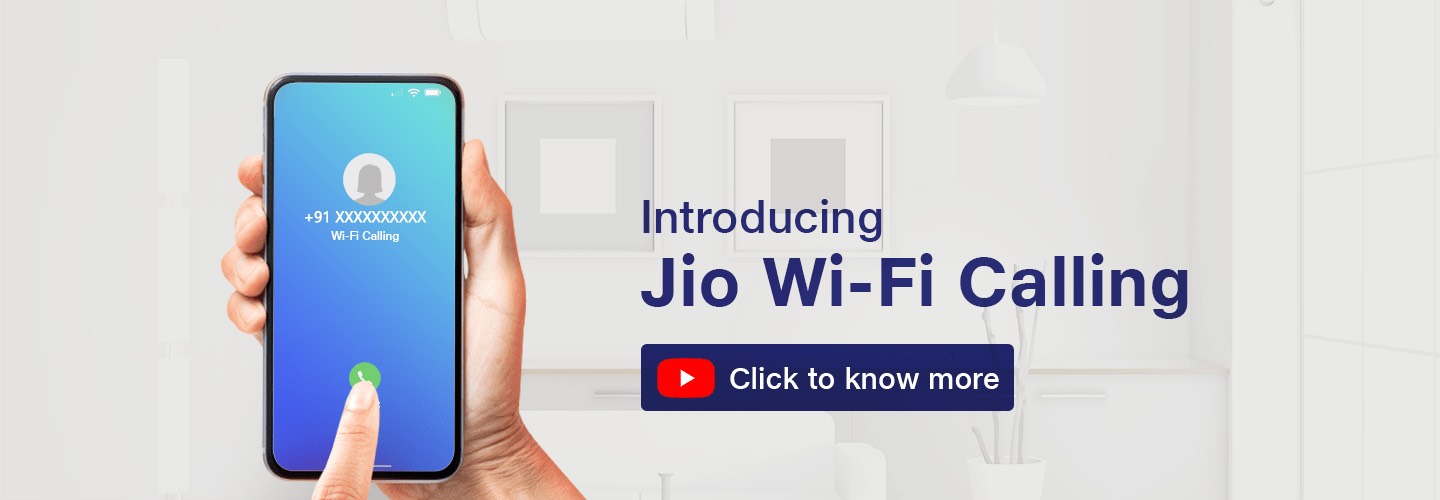
Now make crystal clear voice and video calls over Wi-Fi.
Go to Settings > Phone > Wi-Fi Calling > Turn on Wi-Fi Calling.

What is Wi-Fi calling?
Wi-Fi Calling is a path-breaking technology that allows customers to make and receive calls over a Wi-Fi network using their existing Jio phone number.
Benefits of Wi-Fi calling are:
Benefits of Wi-Fi calling are:
- Use the strongest network to make uninterrupted calls – whether it’s Wi-Fi or mobile network
- Make and receive calls with Wi-Fi using existing Jio phone number
- Helps connect in case of signal issues in remote areas or cellular-dark zones of a building
- It’s included at no additional charge. All you need is an existing voice plan and an HD voice compatible device
- To learn how to turn on Wi-Fi Calling and check the handset eligibility click www.jio.com/wificalling
What are the additional requirements for Wi-Fi Calling on iPhone?
To use Wi-Fi calling service on iPhone, you just need to ensure that your device model is iPhone 6s or later, with iOS 11 or above. It is always recommended to update the device with the latest available software version. Also, you need to have an active Jio tariff plan.

Can I use Wi-Fi Calling while in Airplane mode?
No. service of Wi-Fi Calling cannot be used when your phone is in Airplane mode.
Can I make a Wi-Fi Calling during domestic roaming?
Yes. You can make Wi-Fi calls while roaming anywhere in India.
Can I use Wi-Fi Calling in International Roaming?
Yes, International Wi-Fi Calling allows you to make calls to India at ₹ 1 from anywhere in the world over Wi-Fi.
To know more about our Value Packs with WiFi Calling, click https://www.jio.com/jio-prepaid-international-roaming-plans
To know more about our Value Packs with WiFi Calling, click https://www.jio.com/jio-prepaid-international-roaming-plans
In order to be eligible for Wi-Fi Calling, you need to:
- Have a smartphone that is Wi-Fi Calling capable
- Have an active Jio tariff plan

Benefits of Wi-Fi calling
-

Stable and clearer calls
Make crystal-clear voice and video calls over Wi-Fi.
-

Make calls from anywhere in India
-

Extended indoor coverage
Always keeps you connected in case of network dark spots
-

Works on any Wi-Fi network
How to enable Wi-Fi calling in Android phones
 Step 1: Go to Settings
 Step 2: Search for Wi-Fi Calling
 Step 3: Enable the switch
How to enable Wi-Fi calling in ios Devices
 Step 1: Go to Settings. Click on Phone
 Step 2: Click on Wi-Fi Calling
 Step 3: Enable the switch